Visual
Before & After
Drag to compare. The same view, the same frame — nothing cropped, nothing faked.
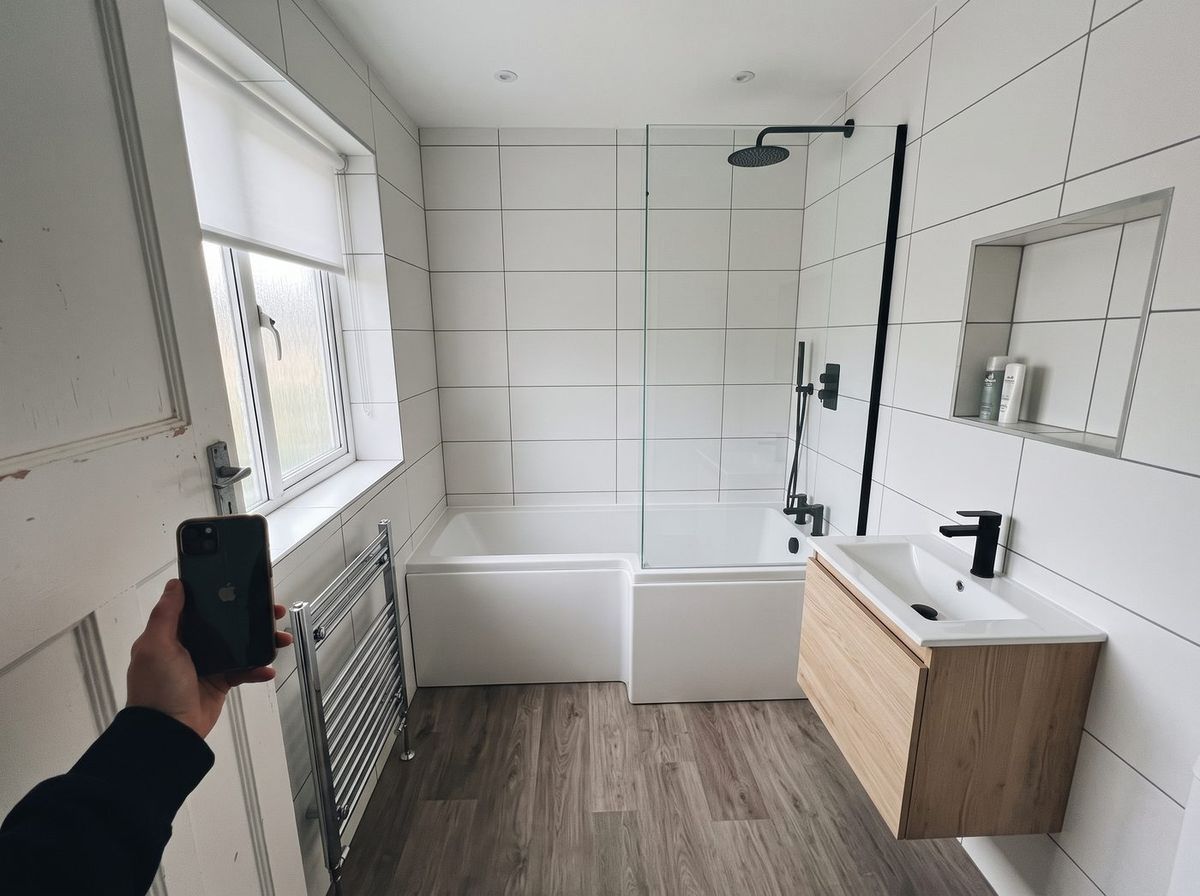
The problem
Why it matters
Side-by-side photos make people do the comparing, and many “before and afters” online aren’t the same room.
Where it fits
What it does
What you get
- Works by touch, mouse and keyboard
- Flags pairs that don’t genuinely match
- Ready for proposals, case studies and social posts
Datavation Labs
Try it for yourself.
Drag across the picture, or try two of your own photos — they stay in your browser.
Open the Before & After demo →Also in Visual
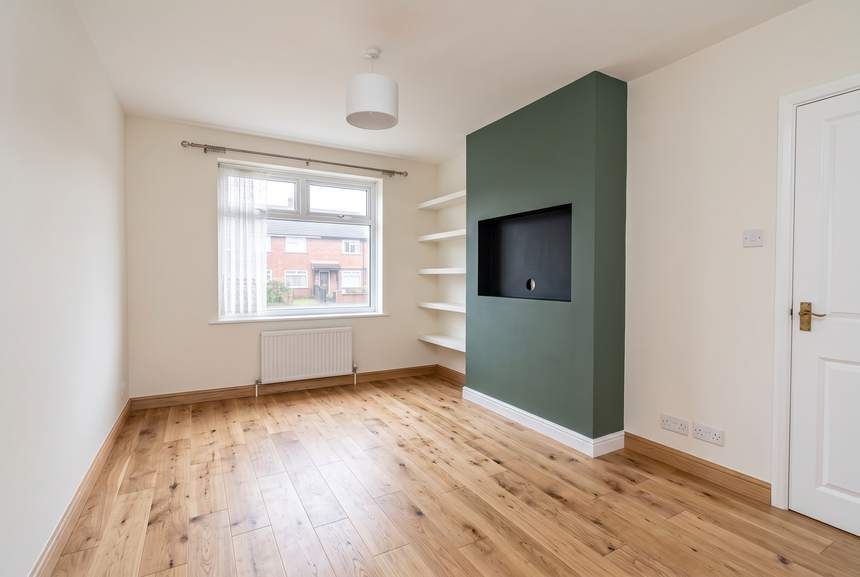
Visual
Visual Estimator
See what a space could become, and roughly what it would cost — before anyone visits.
See it, and try it in the Lab →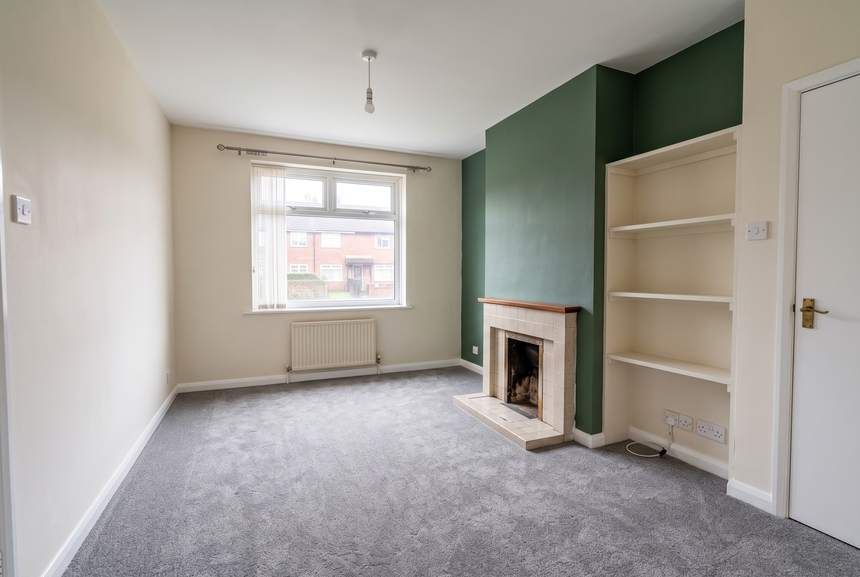
Visual
Visual Quote
A proposal the customer can explore: real options, honest trade-offs, a live total.
See it, and try it in the Lab →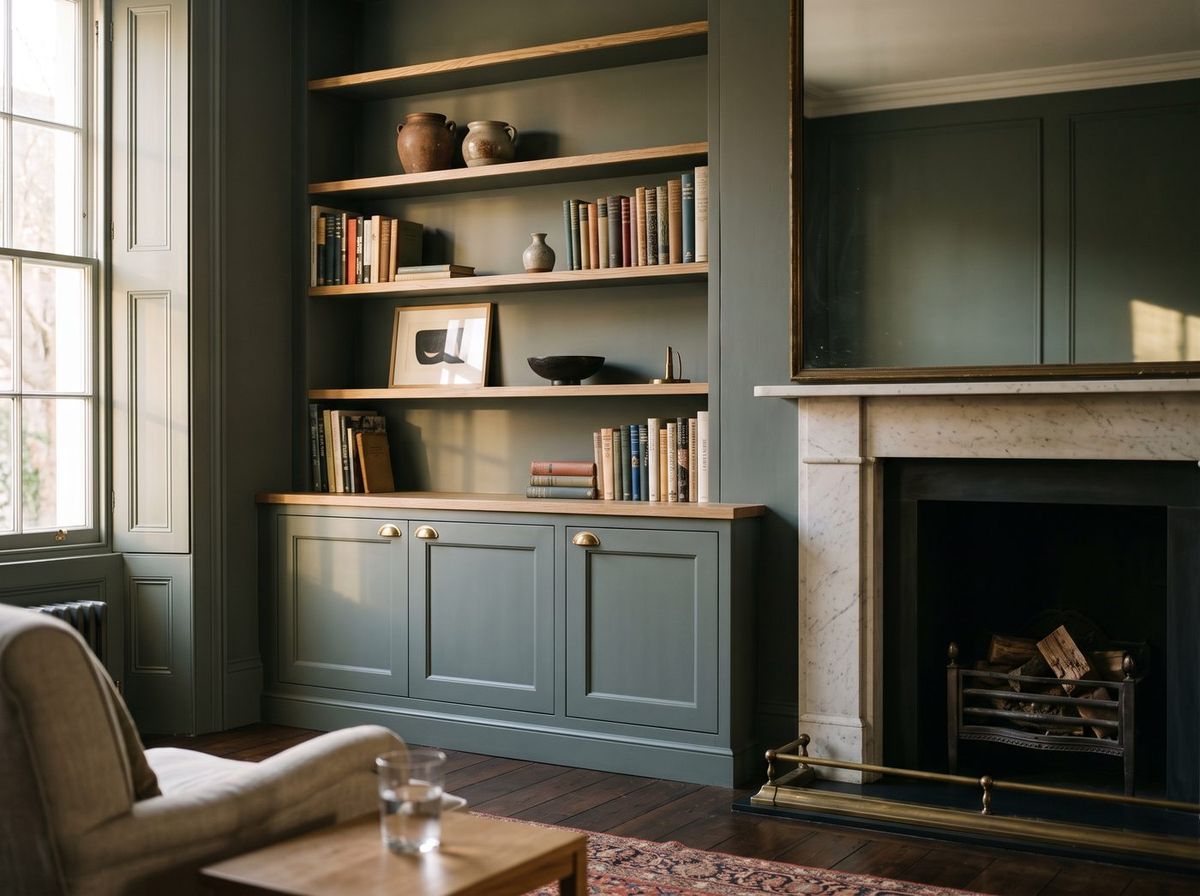
Visual
Picture-to-Portfolio
A finished job and the photos on your phone — turned into a case study and a week of posts.
See it, and try it in the Lab →Want to see what this could do for you?
Everything here is a demonstration. The real version is set up around your business, your tools and your way of working.